First-time use
1 min
Running the app the first time
When you run the software for the first time, you will see a screen confirming the activation of your license. Otherwise, you will be signed in directly.
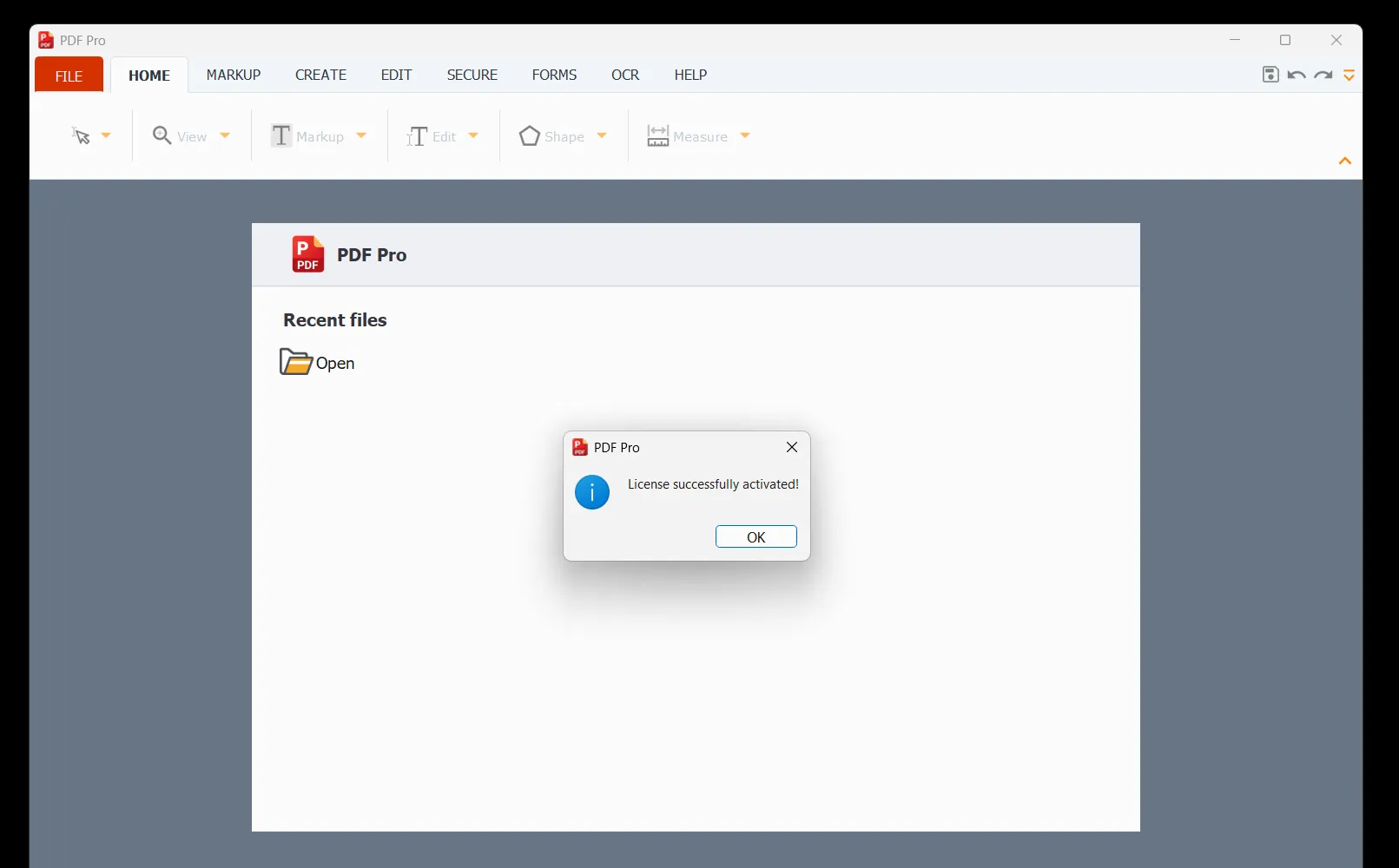
When you launch PDF Pro for the first time, you’ll be prompted to set it as the default application for PDF files. We recommend doing so for quicker and easier access to your PDFs in the future. For a full explanation for Windows and Mac options, please see this link:
Your Default App - Making PDF Pro the default for PDF file format.